Settings
Settings has four tabs: Profile, Company, Billing, and Employer.
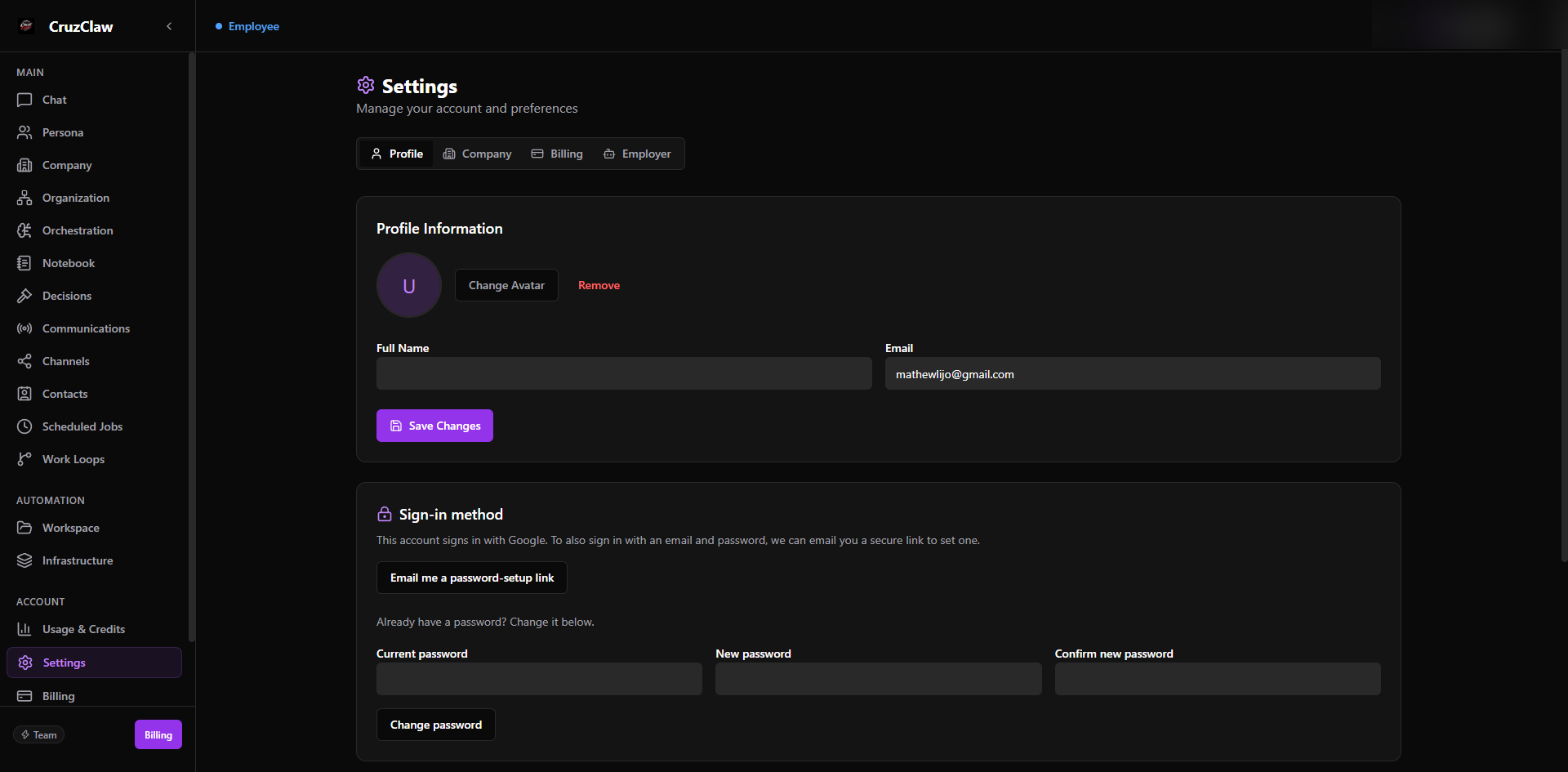
What you see
- Profile: your avatar, name, and email; the Sign-in method card: Google sign-in accounts can add a password via an emailed setup link, and everyone can change their password; and Notifications switches (Email Notifications as the master switch, Billing Alerts, VM Alerts).
- Company: your business profile: identity and contact details, address, registration and tax numbers, fiscal year end, bank details, and currency.
- Billing: the same Billing page, embedded.
- Employer: operating preferences for your personal assistant on single-employee plans.
Typical actions
- Update your name or email and choose which emails CruzClaw sends you.
- Add a password to a Google-only account, or change an existing one.
- Keep the company profile current so employees act with the right business context.
Last verified: 2026-10-24 against the shipped codebase.