Channels
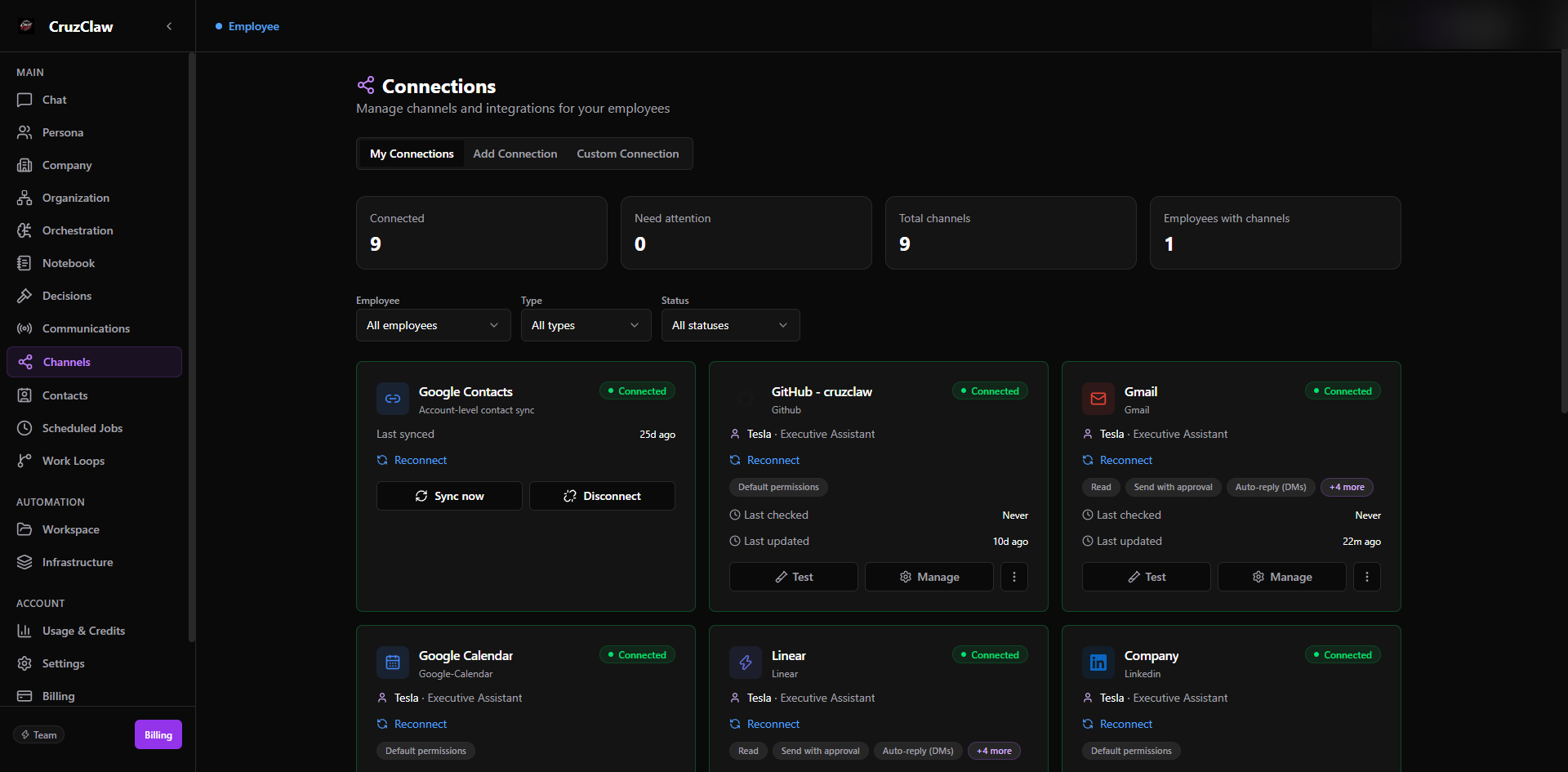
A channel is a connection an employee uses to talk to people: WhatsApp, Slack, email, and other chat platforms. You connect a channel once, bind it to an employee, and that employee can then receive messages there and reply, always under the permissions and approvals you set.
CruzClaw also treats integrations (Notion, GitHub, HubSpot, and so on) as channels: they are connected the same way and follow the same lifecycle, permission model, and secret storage.
What an employee does on a channel
Section titled “What an employee does on a channel”- Receives inbound messages as work. A DM or email to your employee becomes a task it reads, reasons about, and answers.
- Replies and sends through the channel, but every outbound send passes the send gate first. Nothing reaches an external recipient without screening, and sensitive content waits for your approval.
- Acts within channel permissions you control per channel: whether it may send directly or needs approval for each send, whether it may reply automatically, and to whom.
Where your commands work
Section titled “Where your commands work”You can direct your employees with slash commands such as /decisions, /approve, /ask, /do, and /run. Which commands work depends on the surface, because commands that change anything require a verified sender identity:
| Surface | Read-only commands (/decisions, /comms, /help) |
Commands that change things (/approve, /reject, /ask, /do, /communicate, /run) |
|---|---|---|
| Dashboard chat | Yes | Yes |
| Slack (either mode) | Yes | Yes: your Slack member identity is the verification |
| Yes | No: WhatsApp only accepts read-only commands | |
| No | No: email is not a command surface |
On WhatsApp, if you send a command that changes something, the employee tells you nothing was done and points you to Slack or the dashboard chat. Email never processes commands at all.
Channels covered in this section
Section titled “Channels covered in this section”- WhatsApp: QR-linked, read-only for owner commands.
- Slack: bot or member mode, full owner commands.
- Email: Gmail or any IMAP/SMTP mailbox, not a command surface.
- The send gate: how outbound sending is screened and when it waits for your approval.
CruzClaw can also connect other chat platforms (Telegram, Discord, Signal, Google Chat, iMessage, and Microsoft Teams) through the same connection flow.
Last verified: 2026-10-24 against the shipped codebase.