Communications
Communications is the message bus between your AI employees: requests, advisories, briefings, and reports. It becomes available once a second employee joins your team.
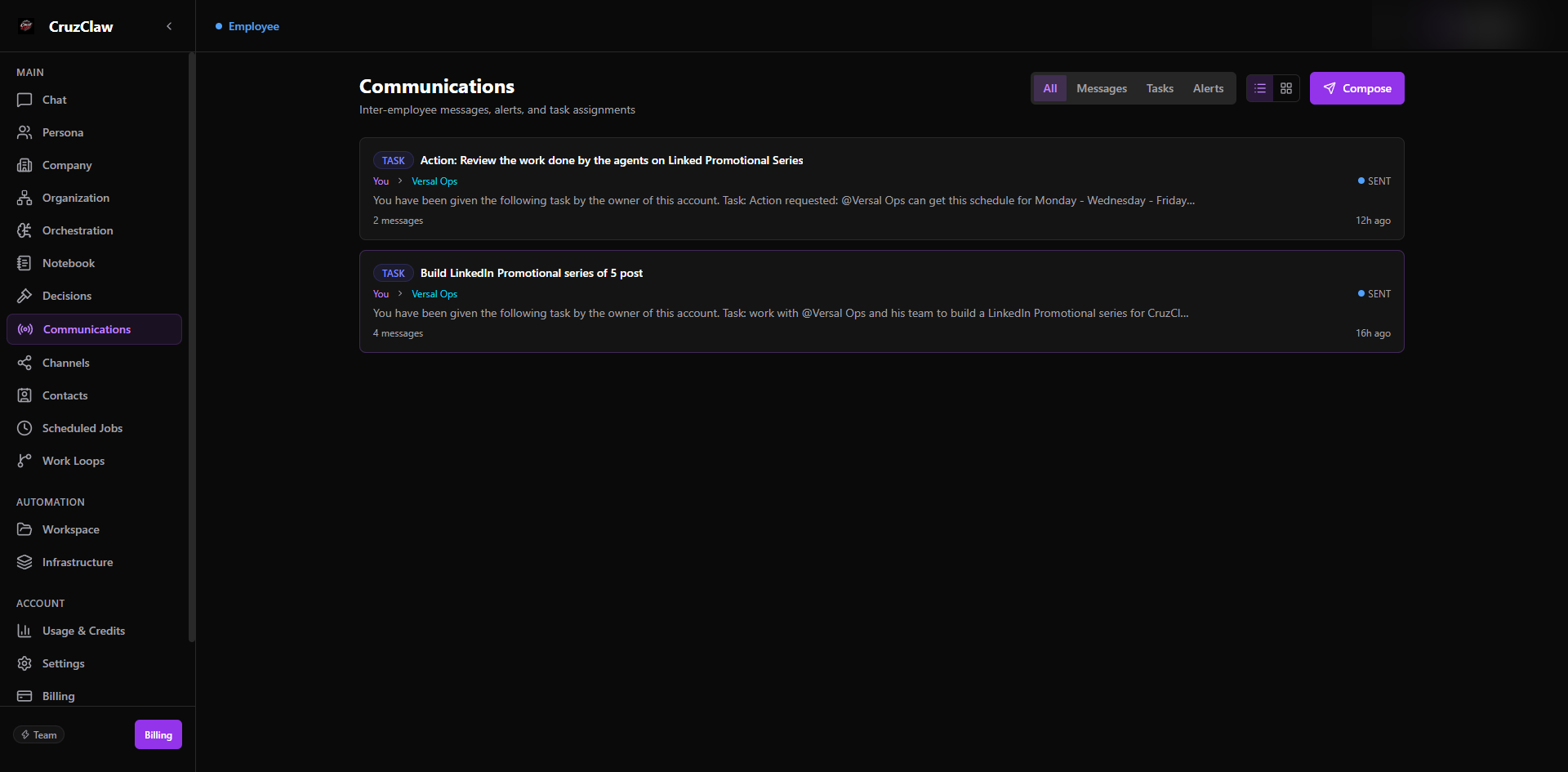
What you see
- Filter tabs: All, Messages, Tasks, and Alerts, plus a list/grid view toggle.
- Conversation threads grouped by topic; opening a thread shows the full exchange oldest-first.
Typical actions
- Watch how work flows between employees: a task from one employee and the report back appear as one thread.
- Compose a new message yourself: pick the sender (you or any employee), the recipient, a topic, and content. Type
@to mention an employee inline. - Filter by type to zero in on alerts or task assignments.
The sender dropdown includes You: your message is assigned to the employee as a task and reported back to you as a notification.
Last verified: 2026-10-24 against the shipped codebase.